
1. To login to on-line banking, on https://e.sb.lt/ select login method Smart-ID.
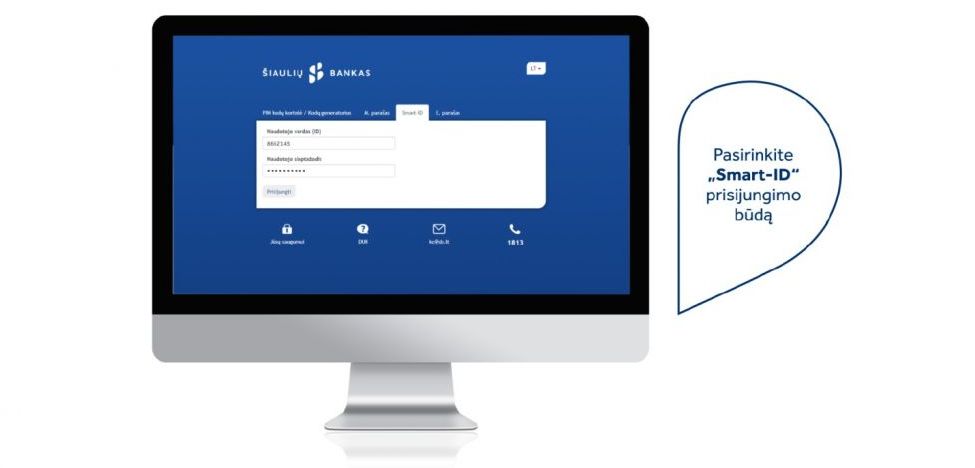
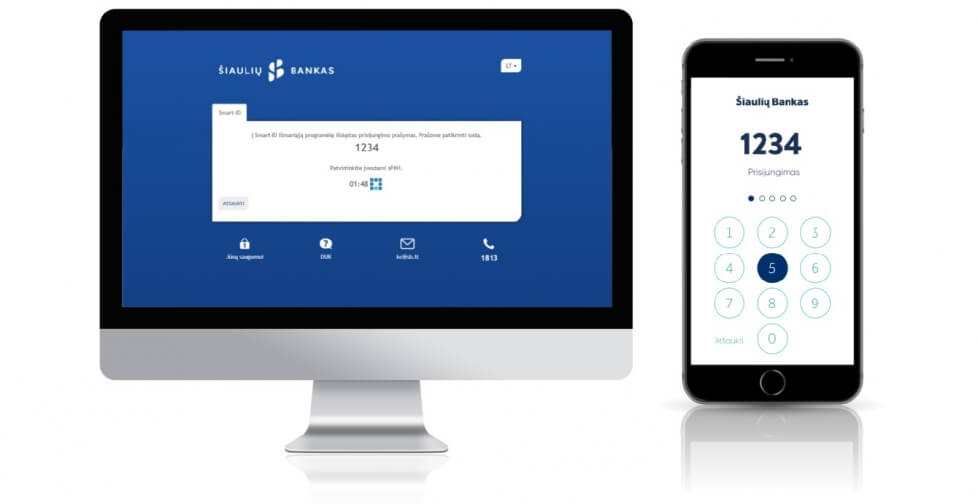
2. Enter your user ID and password. Then you see the check code on the screen. Codes on the screen and telephone have to be identical.
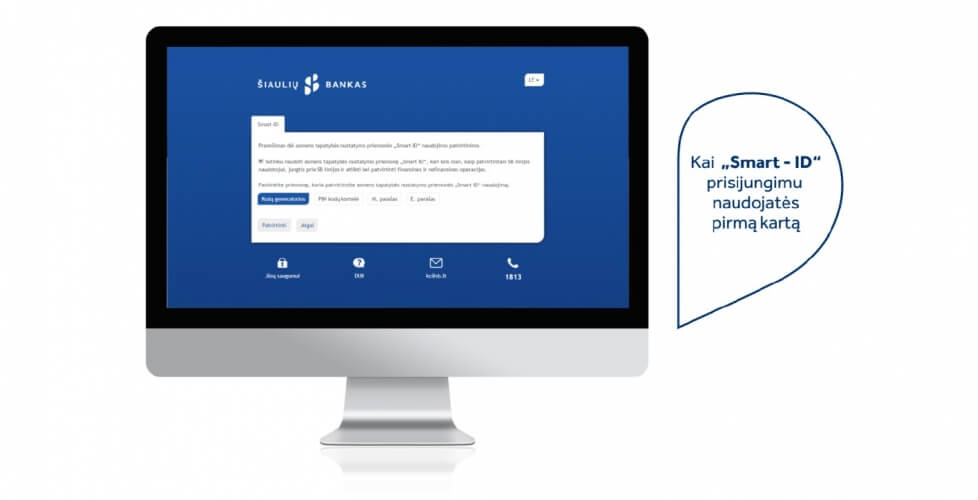
3. When you use Smart-ID for login for the first time, you can be asked to confirm your consent to use the service with one of previously used login means. Only then continue login to the on-line banking.
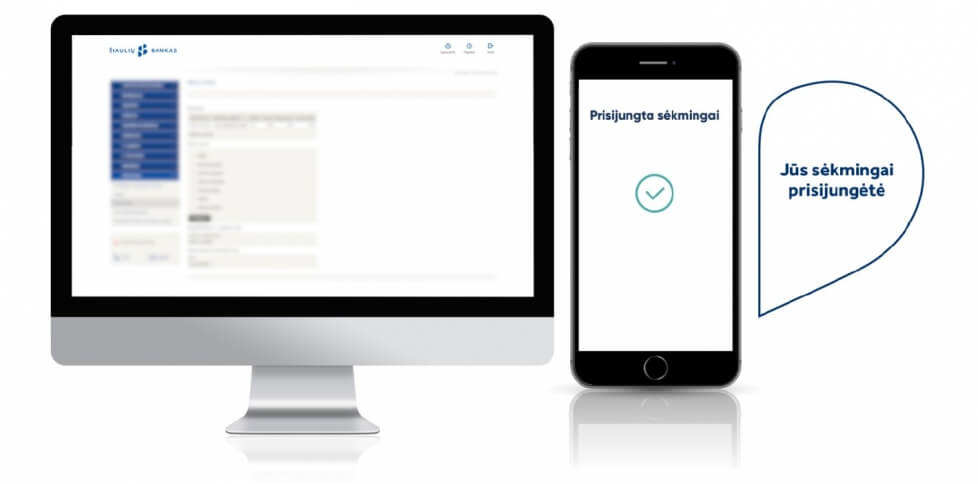
4. You have successfully logged in using Smart-ID, the safer, quicker and more comfortable ID verification tool.
Detailed information on how to use Smart-ID can be found in the instruction.
Have questions?
We’ll be happy to answer them!

Let's talk
A free customer service line is available daily from 8:00 AM to 8:00 PM.
Visit us
Register and visit your nearest bank branch.